Category: Cinematic / Natural / Mood Portrait
Best For: Outdoor portraits, lifestyle edits, soft cinematic looks
Workflow: Mandatory 2-Step Professional Edit
🔹 STEP 1: BASE FIX (MANDATORY)
Purpose:
Stabilize subject, skin, clothing, and lighting before applying any mood or color grading.
Step 1 Prompt (Base Fix)
Professional portrait enhancement, subject-first priority, preserve original facial identity and body proportions, accurate face retouching without altering structure, natural realistic skin texture, correct clothing folds and fabric detail, balanced exposure on subject, controlled highlights and shadows, fix uneven natural light, sharp but realistic focus, high resolution image quality, noise reduction, clean professional photography base
Step 1 – Negative Prompt
face change, identity loss, body distortion, artificial skin, plastic texture, blur, low resolution, harsh lighting, blown highlights, cartoon, anime
Result after Step 1:
- Subject identity stays intact
- Skin looks natural and clean
- Clothing colors and texture are corrected
- Image becomes a stable editing base
🔹 STEP 2: FINAL CINEMATIC / SOFT MOOD LOOK
Purpose:
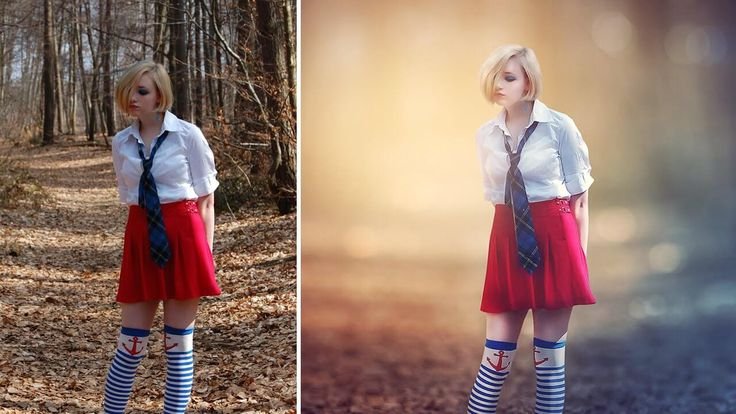
Introduce soft light, shallow depth, and cinematic mood without over-stylizing.
Step 2 Prompt (Final Look)
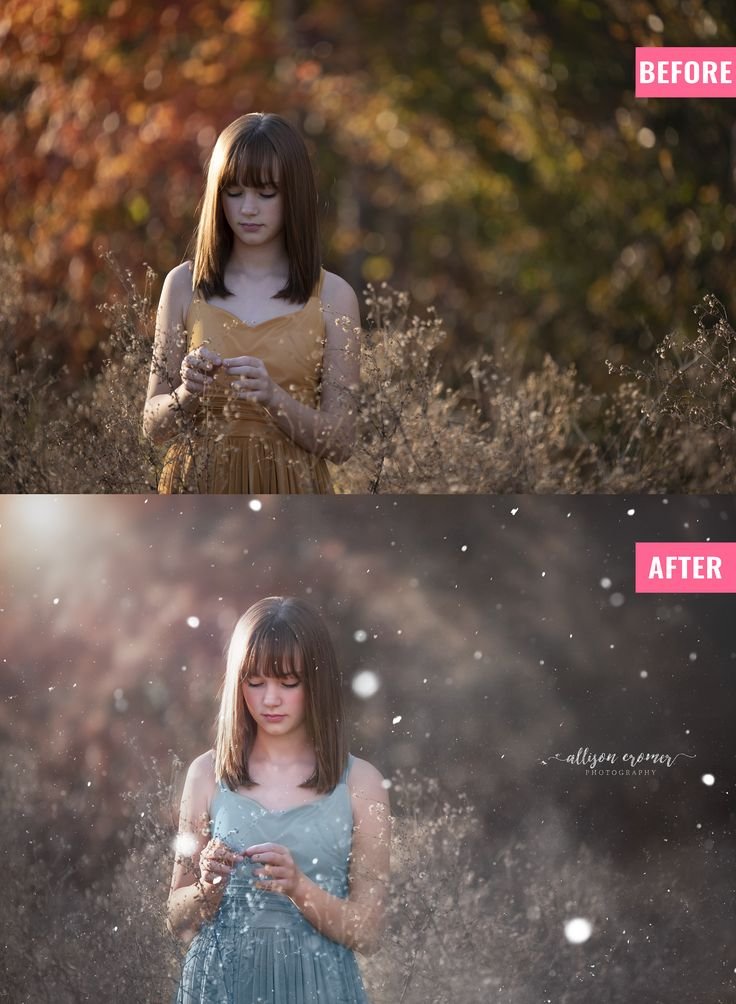
Soft cinematic portrait color grading, gentle warm highlights with muted background tones, subtle glow and atmospheric softness, shallow depth of field effect, smooth background blur, subject slightly brighter than background, calm and dreamy mood, cinematic contrast, fine art lifestyle photography style
Step 2 – Negative Prompt
over saturation, harsh glow, extreme blur, dramatic effects, fantasy elements, flat colors, artificial lighting
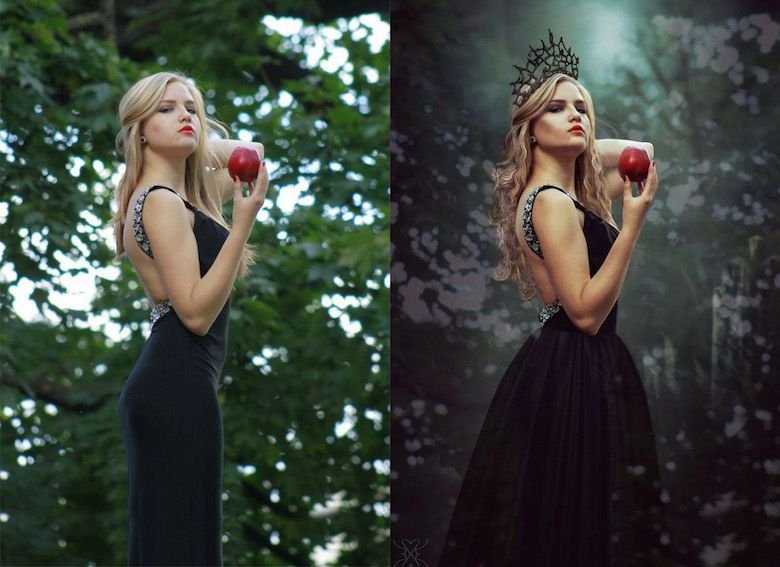
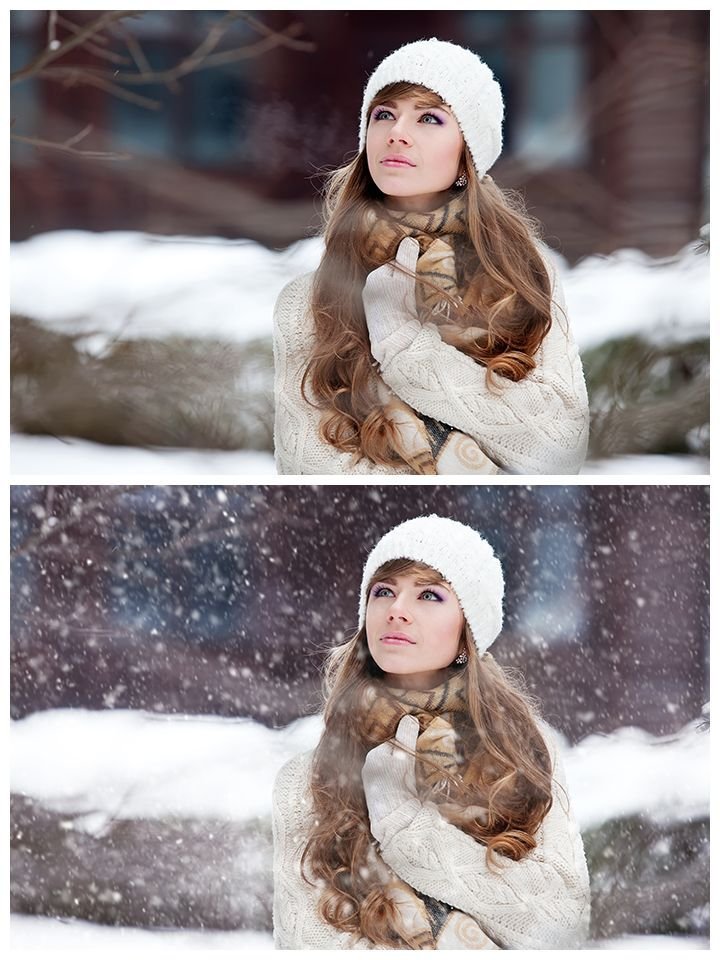
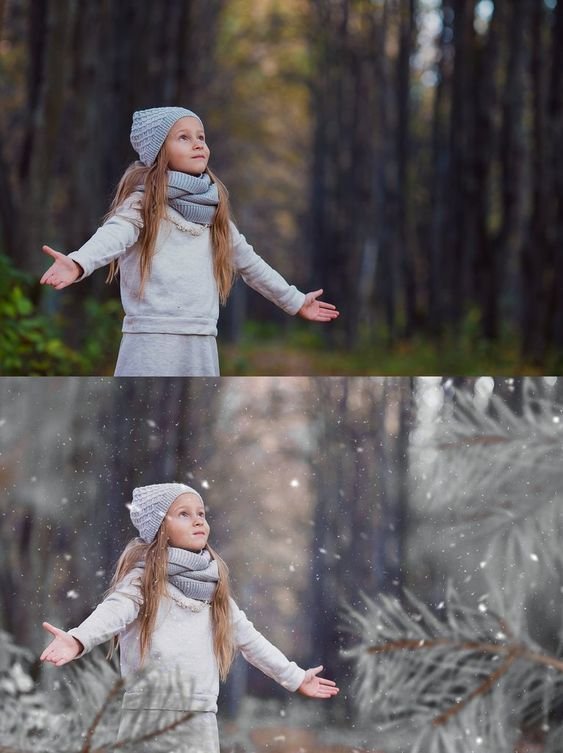
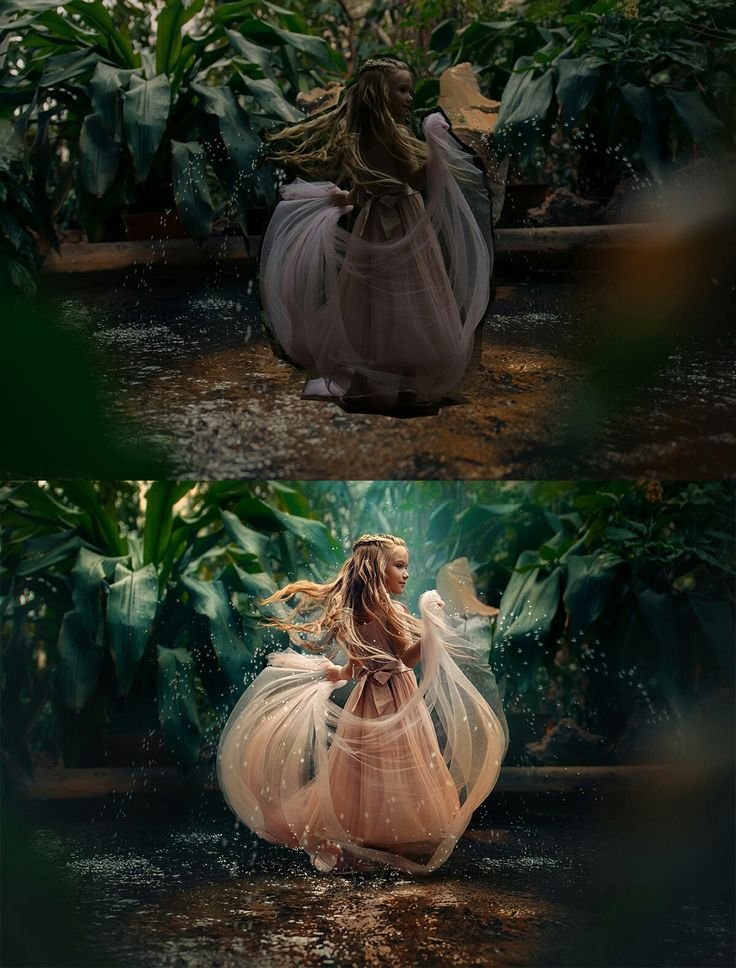
Final Look:
- Soft, dreamy background
- Clean subject separation
- Natural yet cinematic mood
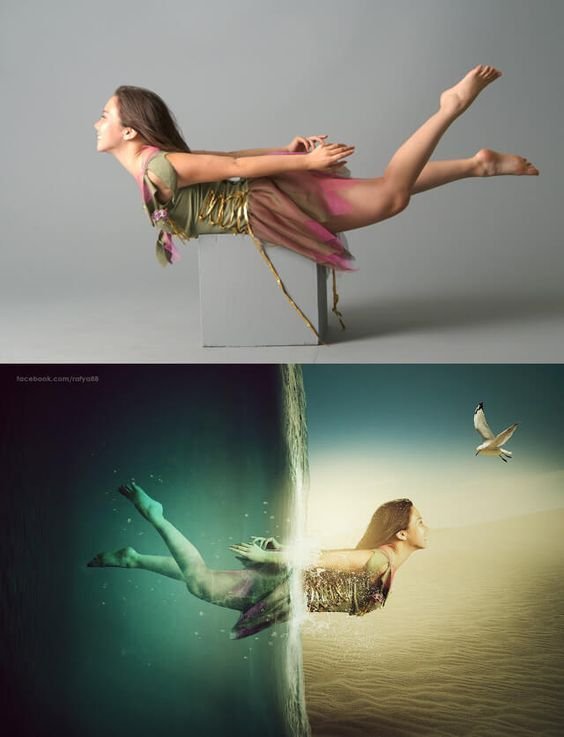
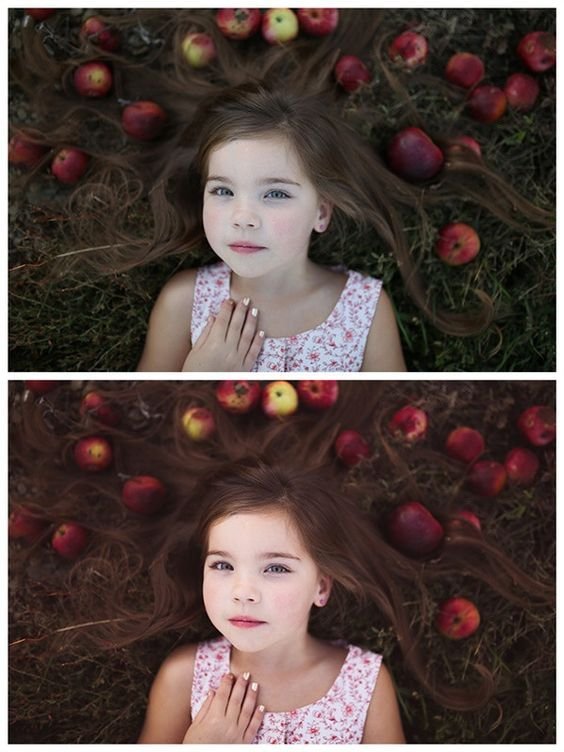
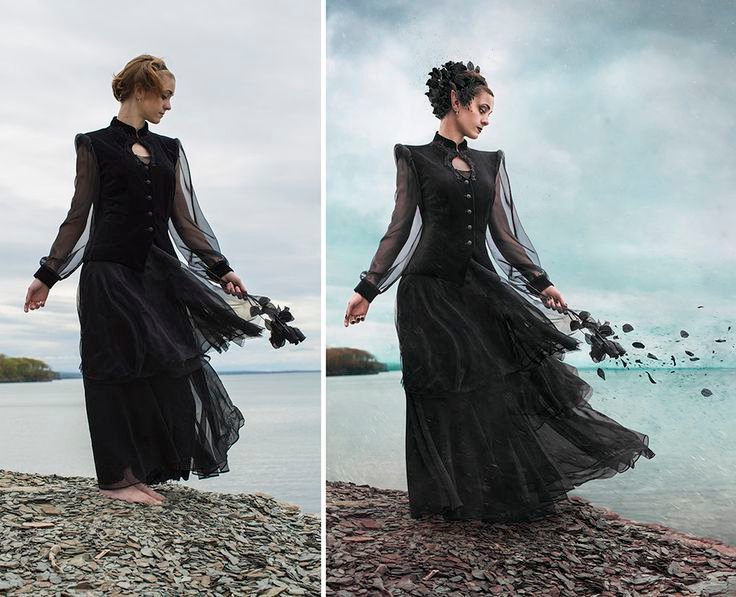
- Professional before–after transformation
🔹 RECOMMENDED AI SETTINGS
- Image Strength / Denoise: 0.5 – 0.6
- CFG / Guidance: 6 – 7
- Workflow:
- Step 1 → Low to medium strength
- Step 2 → Medium strength
🔹 PRESET DESCRIPTION (Read-Only)
Soft Bloom Portrait enhances natural outdoor images with gentle cinematic light, clean skin tones, and a soft, elegant background separation.