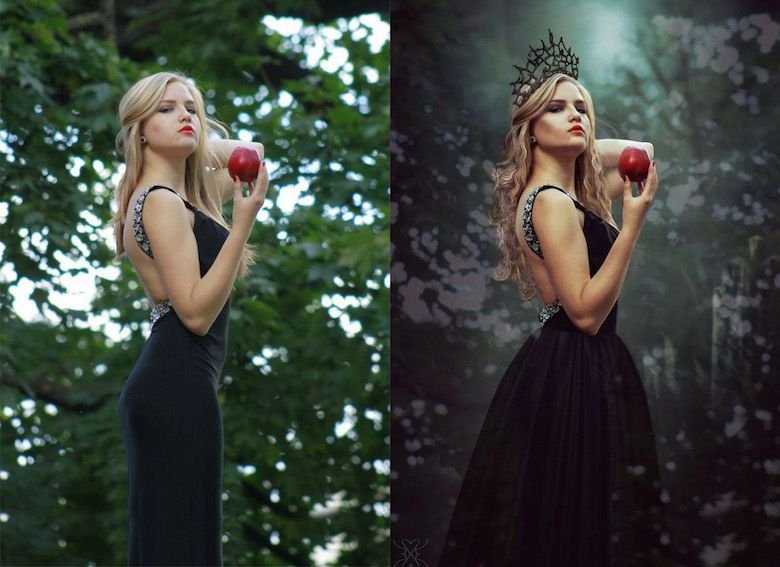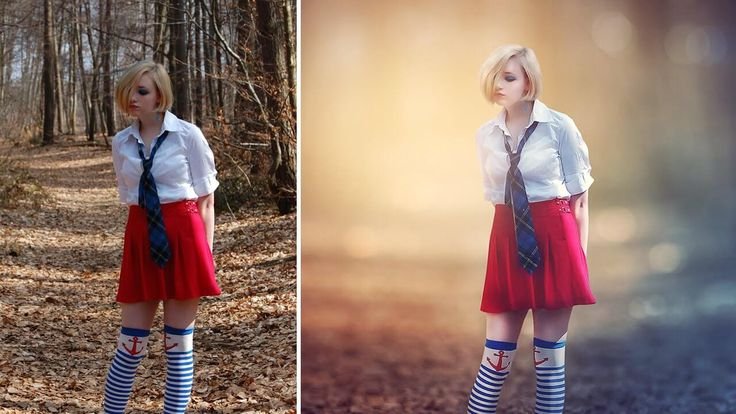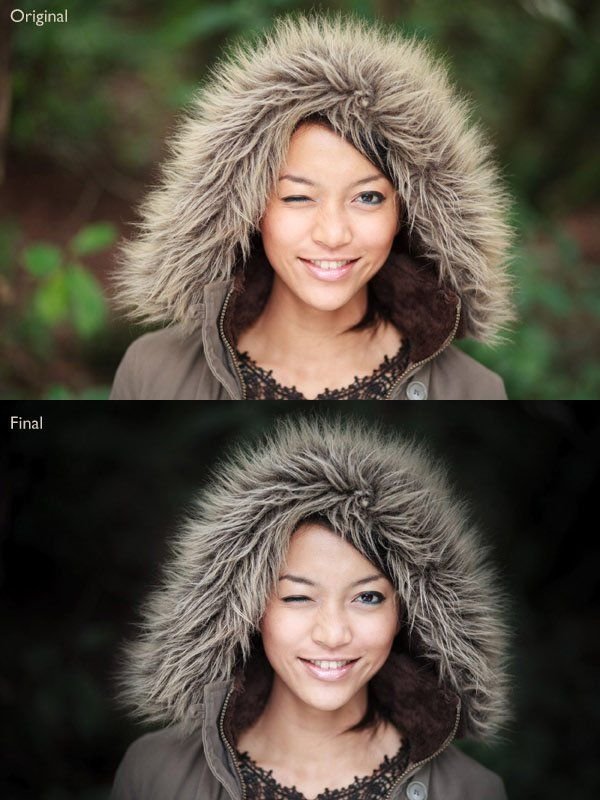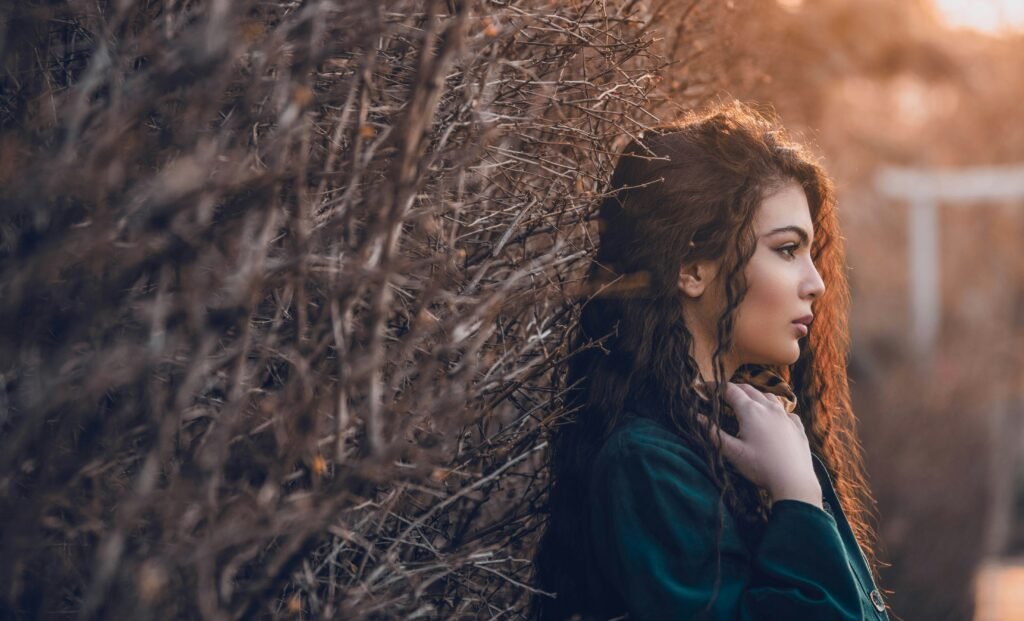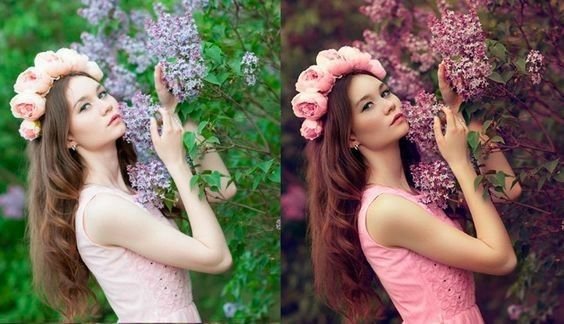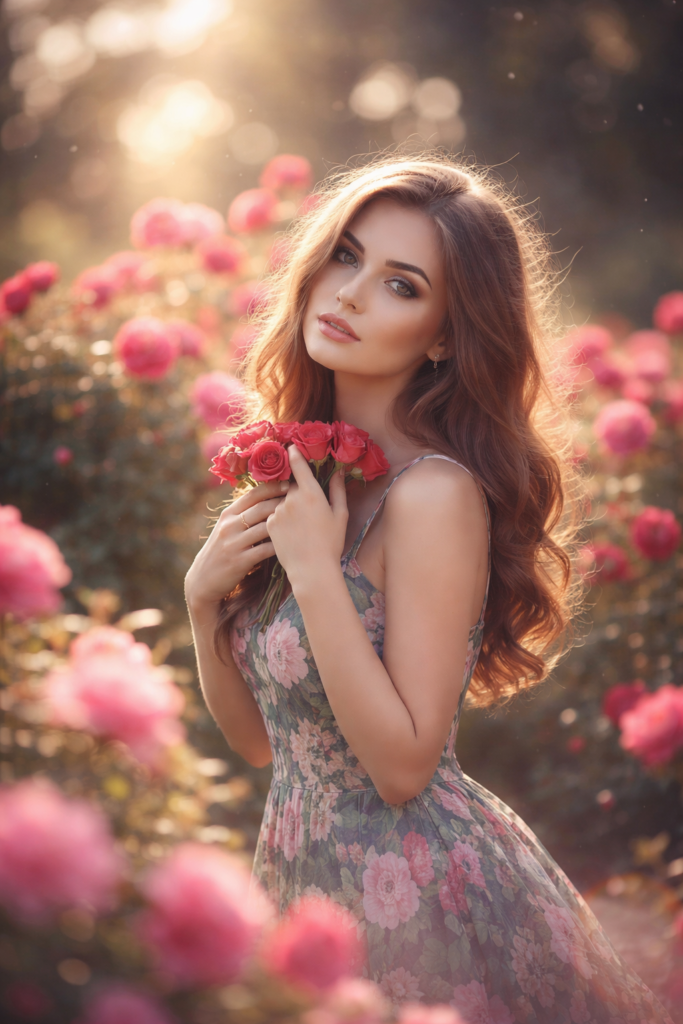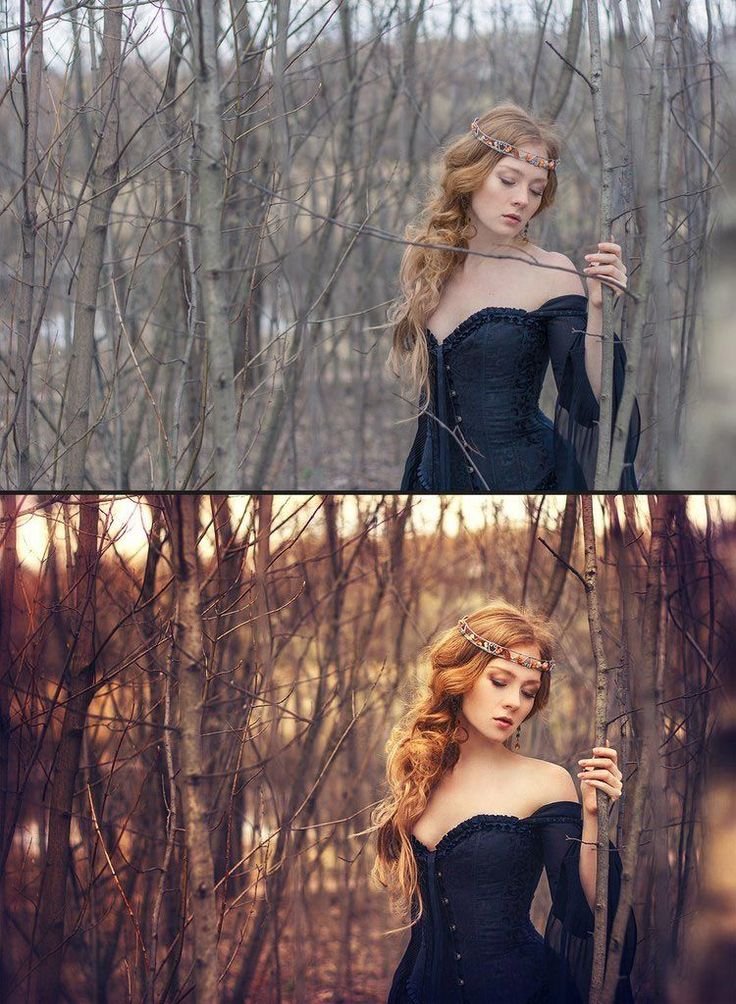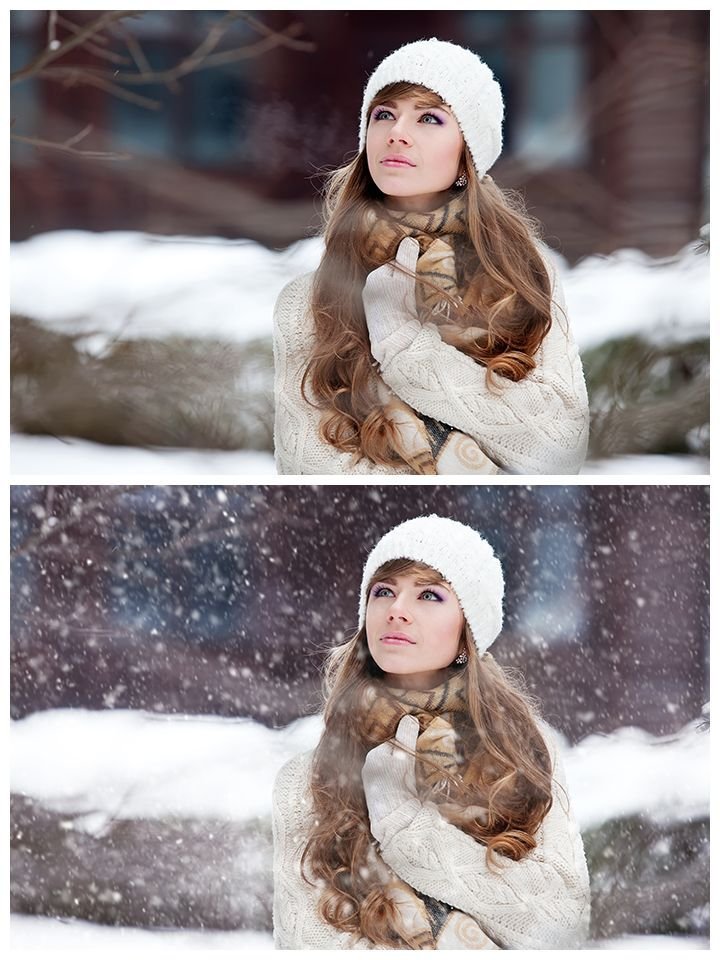
Outdoor rain portraits often look flat and underexposed straight from the camera. However, with structured AI prompting, you can turn a simple dark frame into a glowing cinematic masterpiece.
In this transformation:
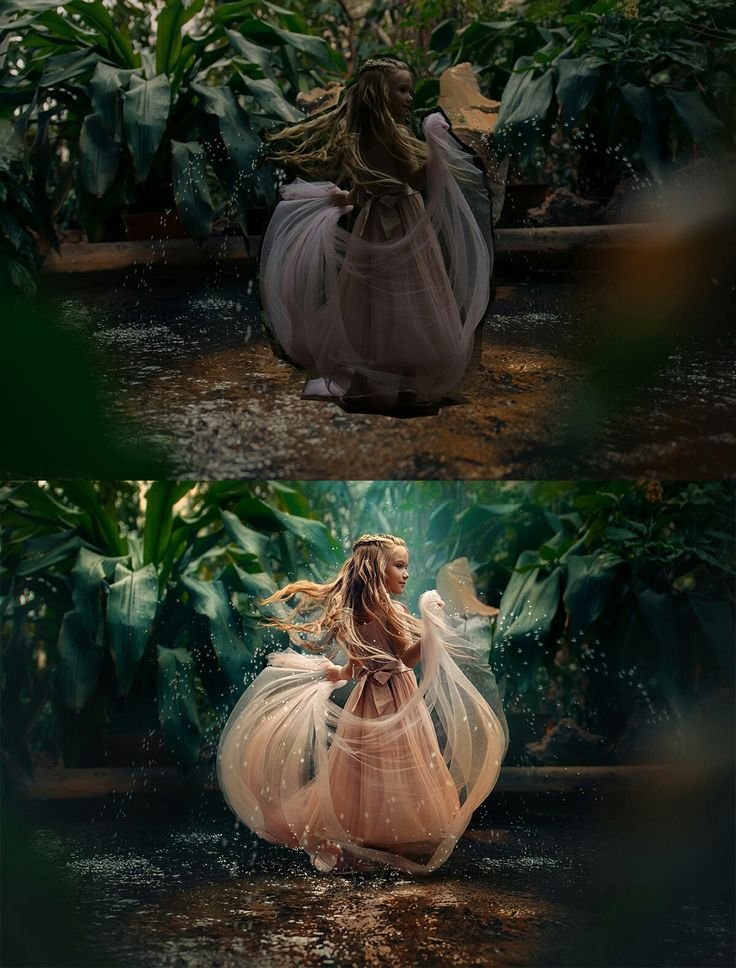
- Before Image: Dark forest setting, low contrast, muted colors, minimal light separation.
- After Image: Dramatic lighting, enhanced water splashes, glowing skin tones, rich green background, cinematic depth.
The difference comes from light control, contrast balance, and atmosphere enhancement.
What Changed in the After Version
The enhanced version includes:
- Increased exposure balance
- Cinematic contrast grading
- Enhanced water splash clarity
- Warmer skin tone correction
- Background depth separation
- Soft glow highlights
This style works perfectly for:
- Fantasy rain portraits
- Story-driven photography
- Portfolio showcase images
- AI prompt demonstration posts
- Social media engagement visuals
AI Prompt (ChatGPT & Gemini Compatible)
Use the following prompt in ChatGPT image generation, Gemini AI, or similar AI tools:
Prompt:
A young girl dancing in shallow water in a tropical forest, flowing sheer dress, water splashes frozen in motion, cinematic lighting, dramatic contrast, soft glow highlights, rich green foliage background, ultra realistic, high detail, professional color grading, fantasy rain portrait styleRecommended Negative Prompt
To improve output quality:
low resolution, blurry, flat lighting, overexposed highlights, harsh flash, distorted anatomy, extra fingers, watermark, logo, text, cartoon styleEditing Strategy Explained
To achieve this cinematic result, the AI focuses on:
- Light separation between subject and background
- Motion emphasis on water droplets
- Color grading toward teal-green shadows
- Warm tone balance on skin
- Controlled highlight glow
These micro-adjustments create a dramatic transformation without overprocessing.
Rain portraits naturally contain motion and emotion. With proper AI prompting, you can amplify that movement into a cinematic visual story.
Instead of random filters, focus on:
- Controlled light direction
- Depth enhancement
- Color separation
- Atmospheric glow
That is what creates professional-level AI edits.