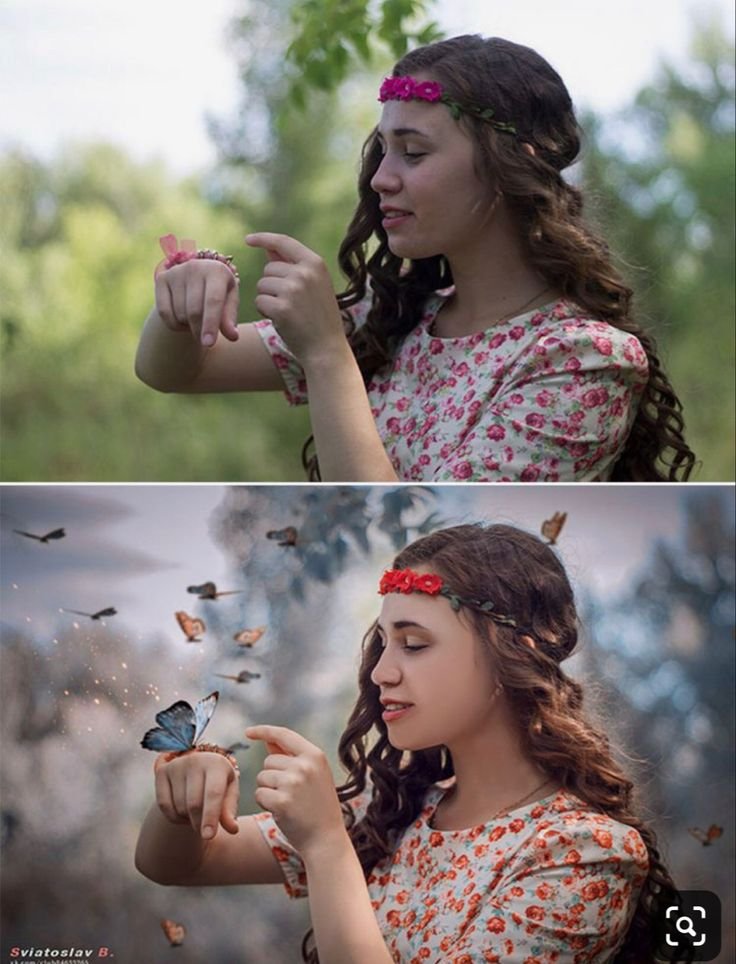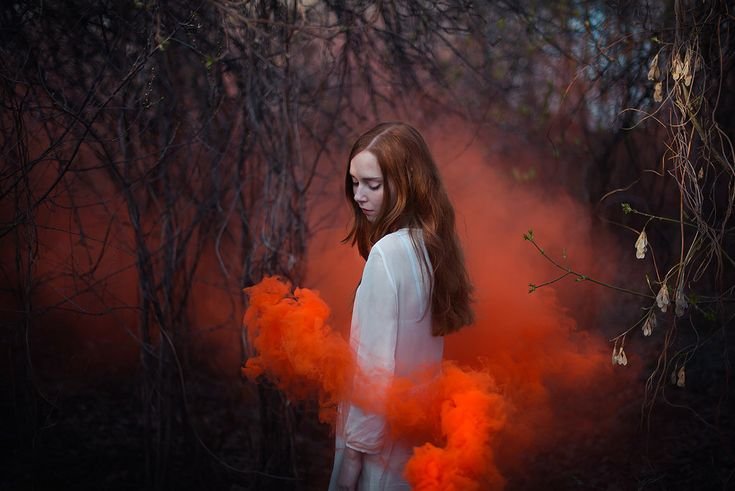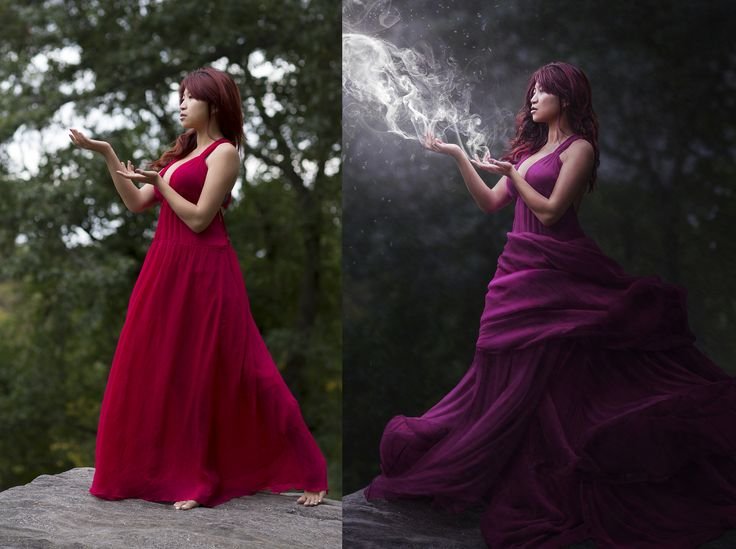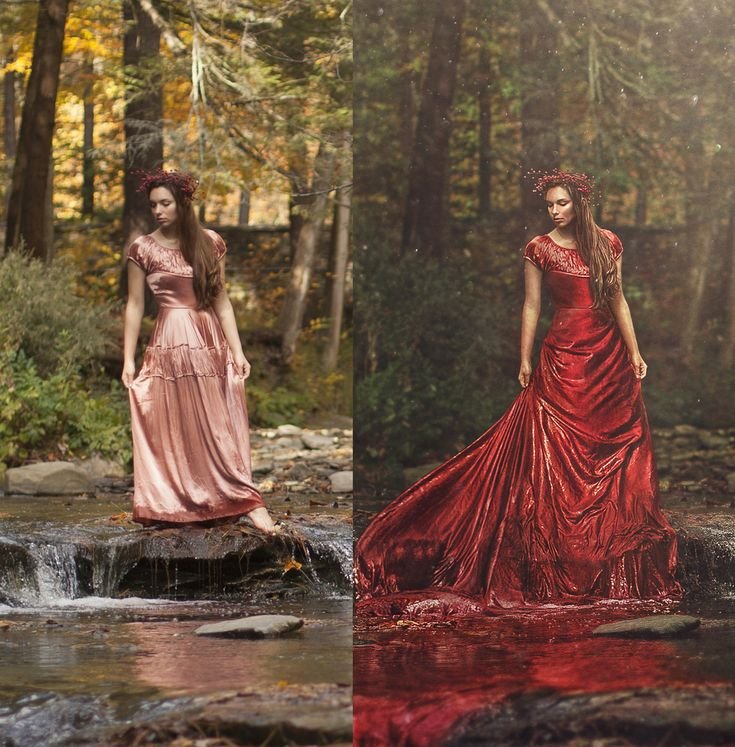
Fantasy portraits have the power to turn ordinary locations into magical storytelling scenes. In this guide, you will learn how to transform a simple brick tunnel portrait into a glowing enchanted fantasy image using AI prompts and cinematic editing techniques.
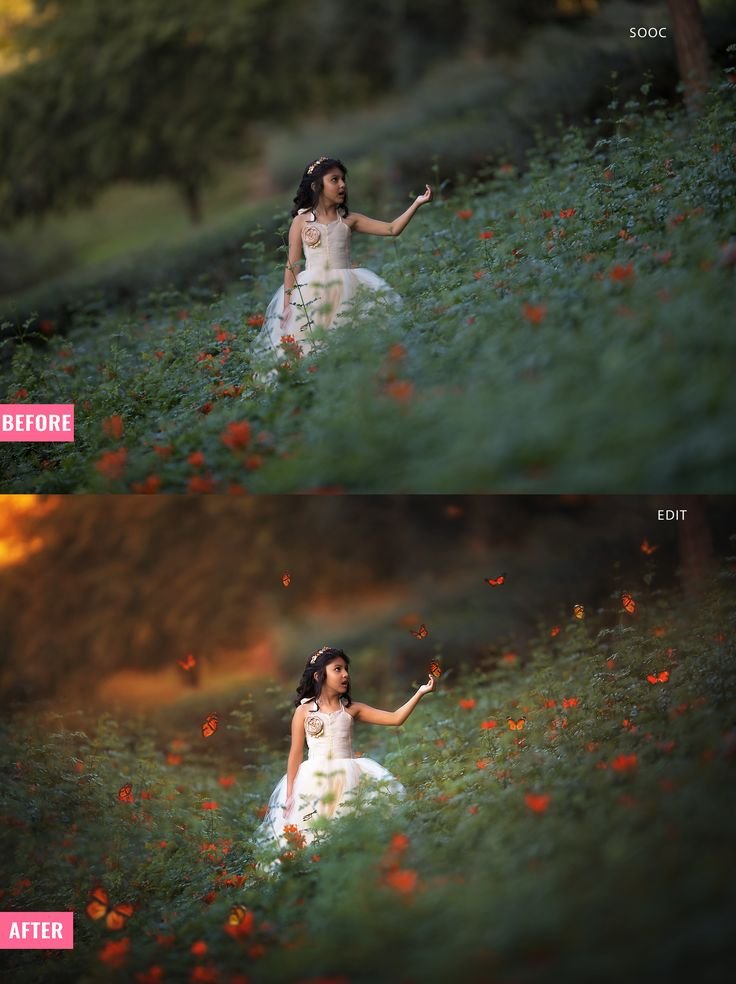
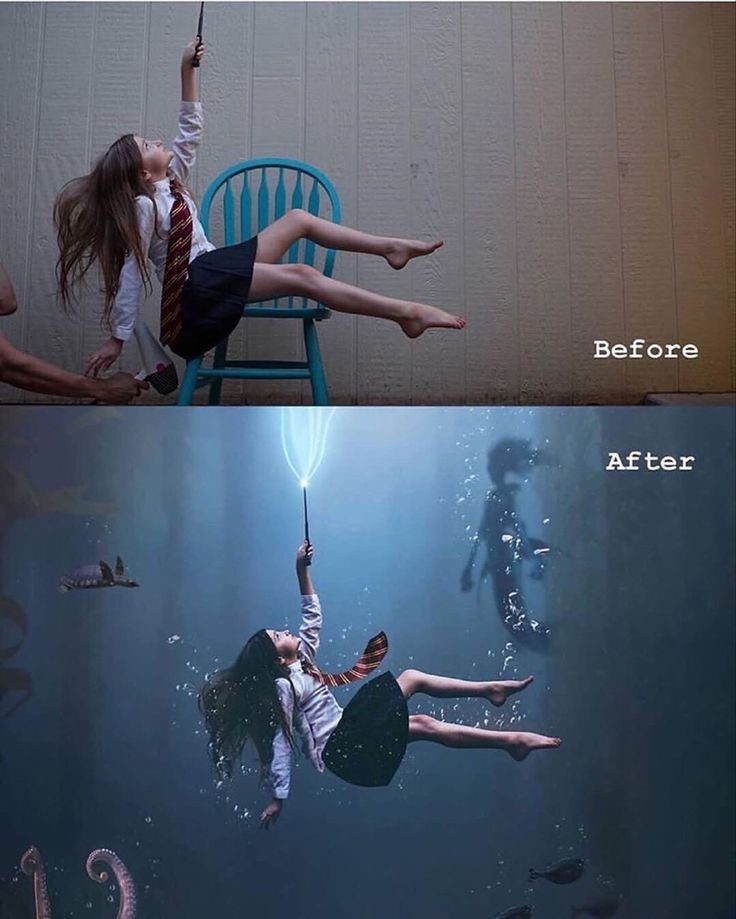
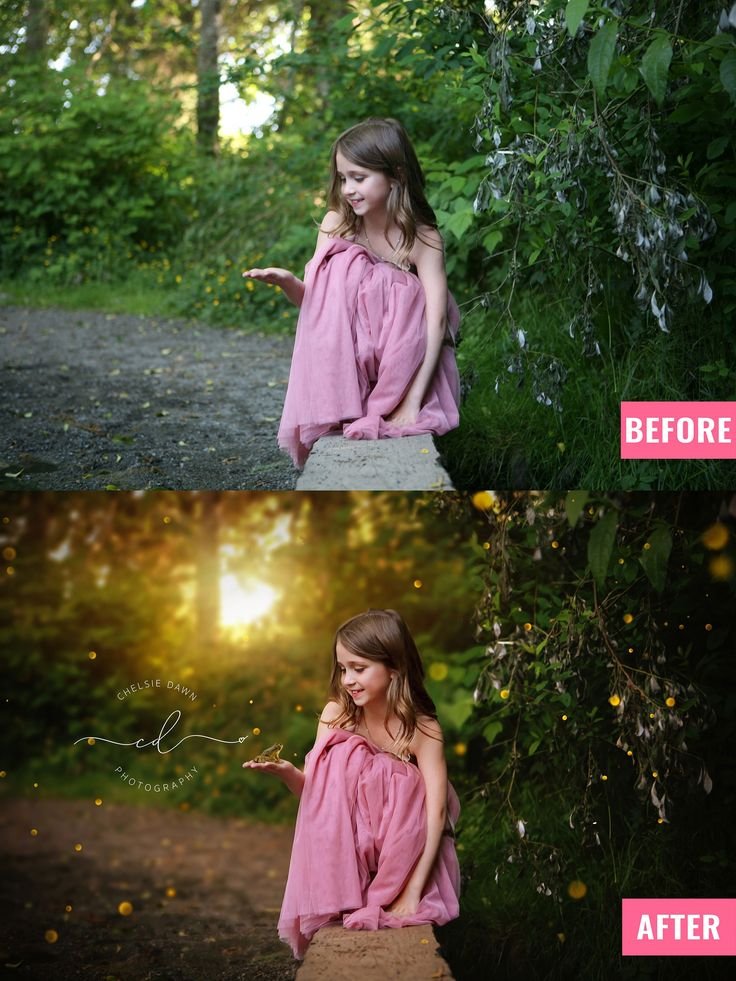
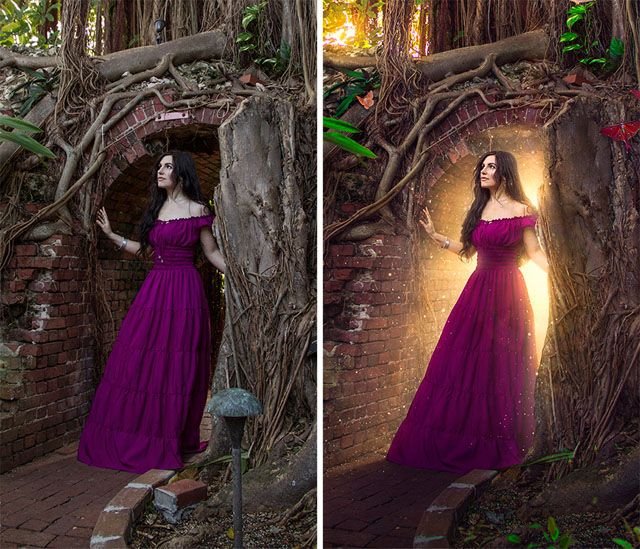
The before image shows a woman standing inside an old brick archway covered in roots and natural textures. The after version enhances the mood with warm golden backlight, glowing particles, depth contrast, and dramatic cinematic color grading. This transformation adds emotion, mystery, and storytelling without changing the original composition.
This method works perfectly with ChatGPT image prompts, Gemini AI image tools, and other advanced AI photo editing platforms.
What Makes This Portrait Transformation Powerful
This edit works because it enhances three core visual elements:
1. Controlled Light Direction
The added golden backlight behind the subject creates separation from the background. It gives depth and cinematic focus.
2. Warm and Cool Contrast
The surrounding environment remains earthy and natural while the glow introduces warmth. This creates visual tension and mood.
3. Subtle Atmospheric Effects
Floating particles and light bloom add fantasy without overwhelming realism.
4. Preservation of Natural Texture
The brick walls, tree roots, and ground textures remain detailed. This keeps the image believable.
Step-by-Step Editing Breakdown
Step 1: Improve Base Exposure
Slightly increase brightness and shadows while preserving highlights. Avoid flat lighting.
Step 2: Add Backlight Glow
Introduce a warm golden light source behind the subject. Keep it centered but soft at the edges.
Step 3: Enhance Subject Separation
Add subtle rim light along hair and shoulders to create depth.
Step 4: Apply Cinematic Color Grading
Use warm highlights and slightly cooler shadows. Increase contrast carefully.
Step 5: Add Subtle Glow Particles
Introduce soft floating particles for magical atmosphere. Keep opacity low.
Step 6: Final Sharpness and Depth
Enhance clarity on the subject while slightly softening the background.
AI Prompt for Enchanted Tunnel Glow Portrait
You can use the following prompt in ChatGPT image tools, Gemini, or any advanced AI photo generator.
Prompt:
A cinematic portrait of a woman standing inside an old brick tunnel covered with tree roots, warm golden sunlight glowing from behind her, soft magical light bloom, floating glowing particles in the air, dramatic fantasy lighting, ultra realistic, high detail texture, cinematic color grading, warm highlights, soft shadow depth, natural skin tones, shallow depth of field, storytelling atmosphere, professional photography styleRecommended Negative Prompt
low quality, overexposed highlights, harsh shadows, unnatural skin tone, excessive glow, blurry subject, oversaturated colors, distorted anatomy, cartoon styleWhy This Style Performs Well Online
Fantasy glow portraits perform well because:
- They attract attention on social media feeds
- They combine realism with imagination
- They trigger emotional storytelling
- They look premium and professional
Advanced Variations You Can Create
Once you master this base edit, you can create:
- Dark Gothic Tunnel Fantasy
- Golden Sunlight Portal Scene
- Mystic Forest Archway Portrait
- Firefly Evening Glow Edit
- Moonlit Ancient Ruins Portrait
Photography Tips Before Editing
To get better results from AI editing:
- Shoot slightly underexposed rather than overexposed
- Keep the background detailed
- Avoid harsh midday sunlight
- Maintain natural skin tone
- Use stable framing
The better the base image, the stronger the final AI transformation.
Who This Guide Is For
This tutorial is ideal for:
- Portrait photographers
- Fantasy content creators
- AI image prompt designers
- Photo editors building cinematic portfolios
- Bloggers creating long-form AI editing guides
Important Image Usage Note
All images used in this guide are shown for demonstration and educational purposes only. Some images may be AI-generated or edited samples and do not claim ownership of original photographs.
Conclusion
The Enchanted Tunnel Glow Portrait transformation shows how simple lighting changes can completely alter mood and storytelling. By combining controlled backlight, subtle glow effects, and cinematic grading, you can convert a natural portrait into a magical fantasy scene.
Use the prompt provided, refine lighting intensity carefully, and always prioritize realism over excessive effects. Balanced editing creates professional results that are visually impressive and search-friendly.