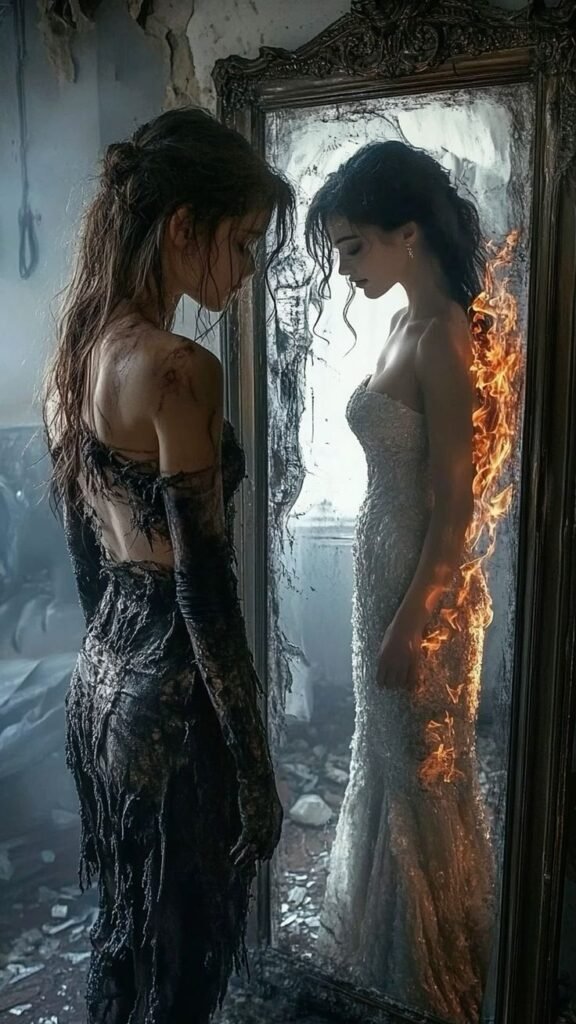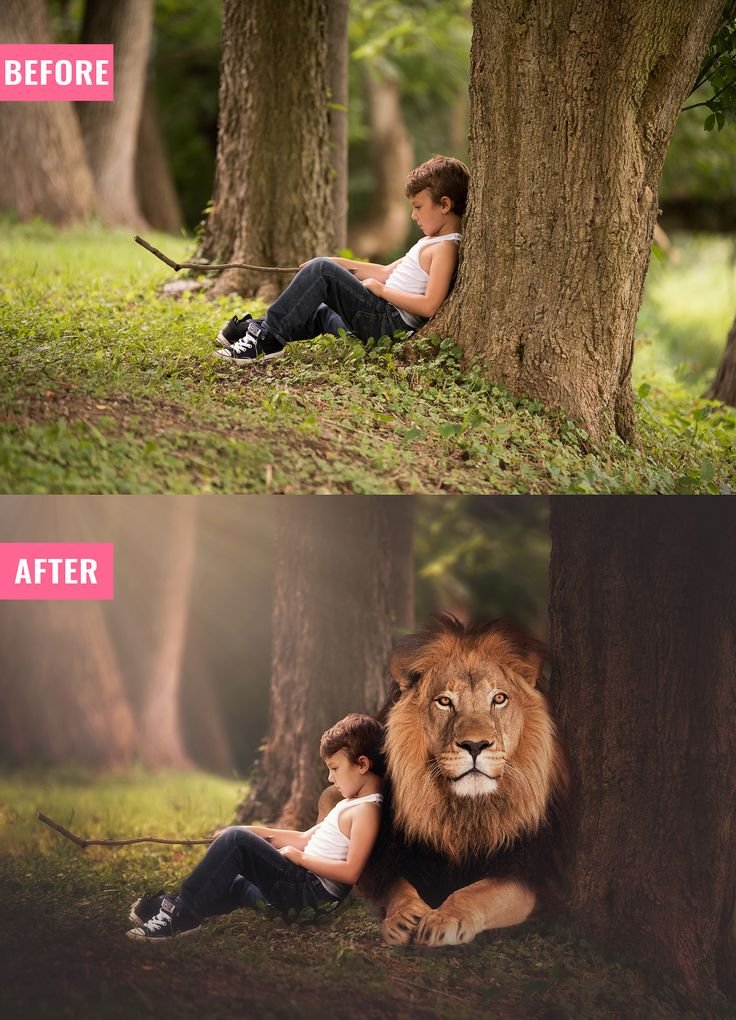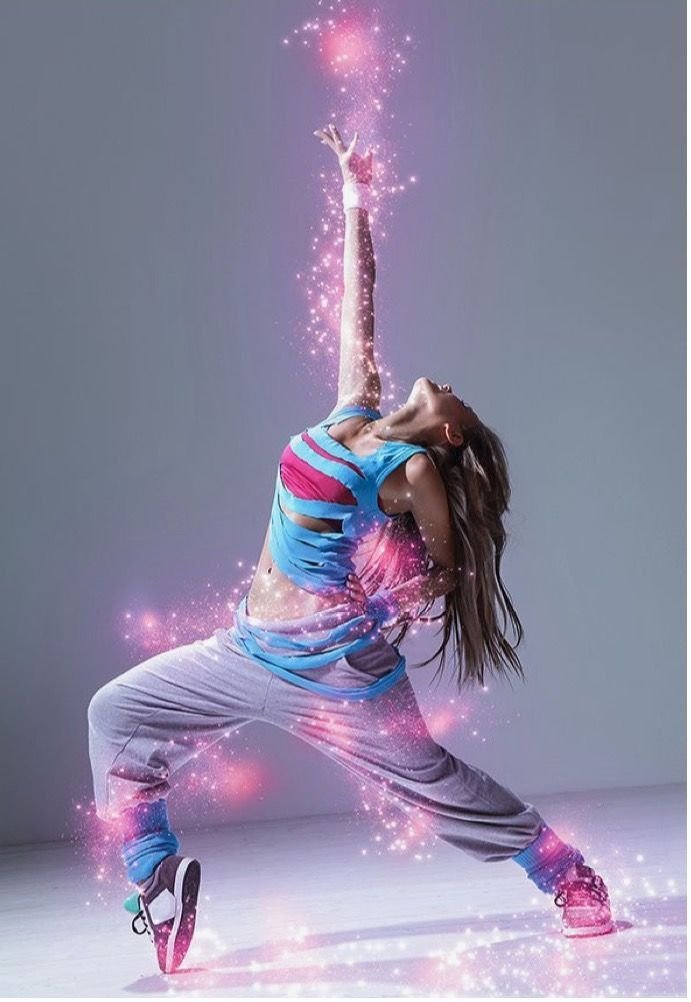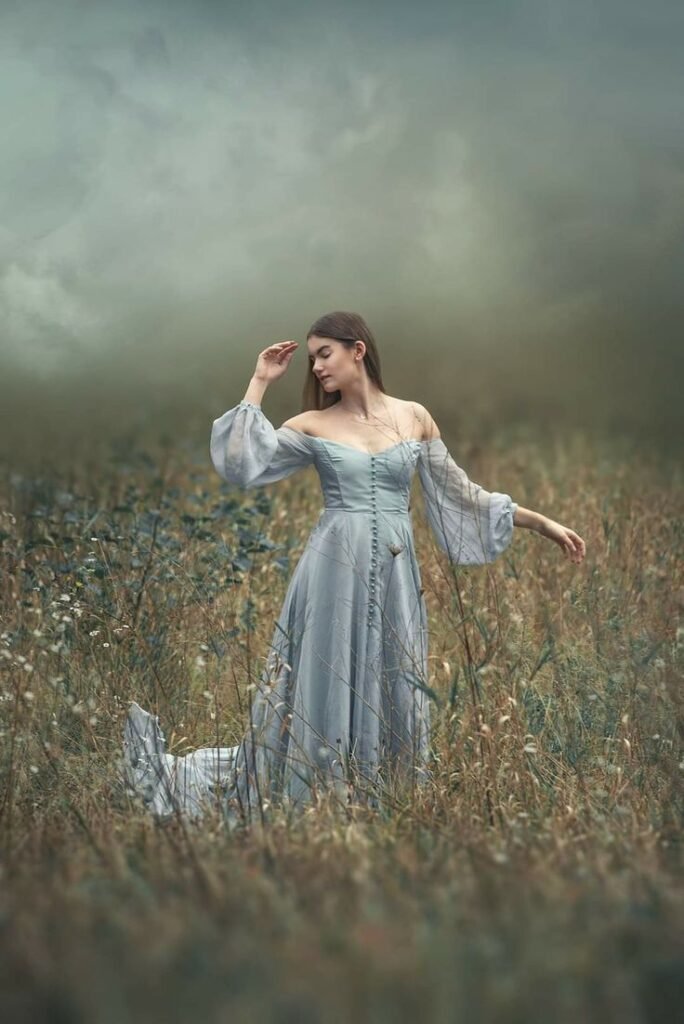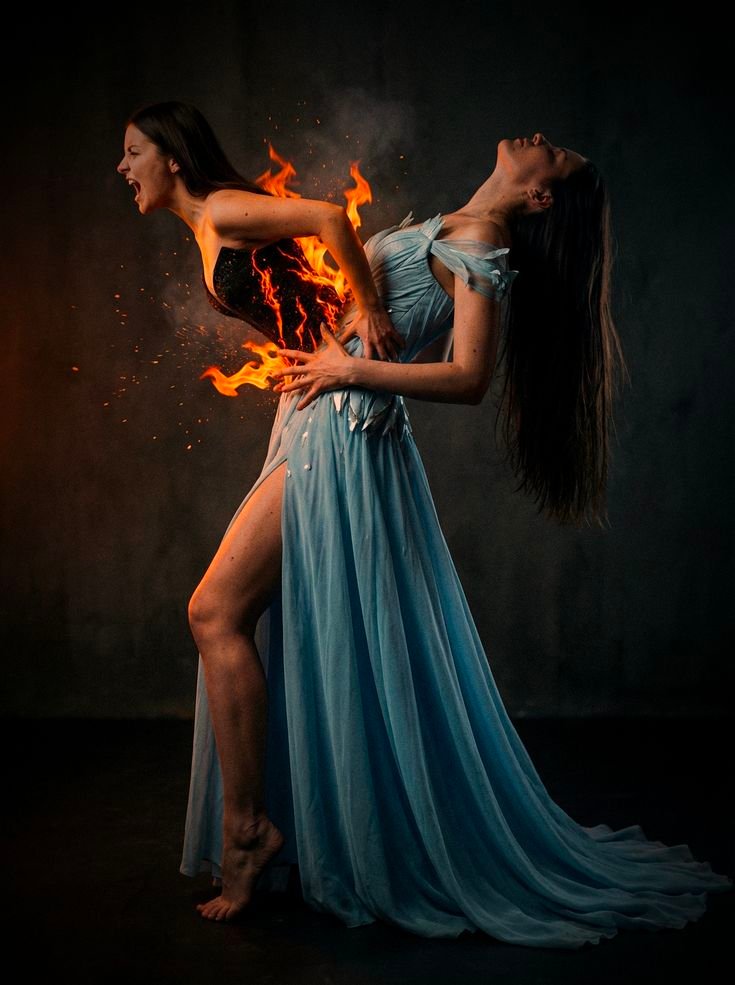
Creative portrait manipulation tab powerful hota hai jab emotion aur visual effect ek saath kaam karein. Is style me ek dramatic transformation moment capture kiya gaya hai jahan subject ke body se fire element erupt hota hua dikhaya gaya hai. Yeh high-intensity fantasy concept hai jo instantly attention grab karta hai.
Is guide me hum complete structured breakdown karenge:
- Concept analysis
- Composition structure
- Lighting breakdown
- Fire integration method
- Color grading logic
- Professional editing workflow
- AI generation prompt
- Negative prompt
- Advanced variations
1. Concept Analysis: Emotional Explosion Theme
Image ka core idea hai internal emotion ka physical manifestation. Ek side darker, intense expression hai, aur dusri side softer pose me contrast create hota hai. Fire element emotional intensity represent karta hai.
Yeh storytelling approach conceptual photography me kaafi powerful hota hai.
2. Composition Breakdown
Structural Observations:
- Vertical framing
- Dark plain background for isolation
- Subject slightly off-center
- Strong diagonal body curve
- Fire positioned at torso for focal impact
Black background distraction eliminate karta hai aur flame ko highlight karta hai.
Subject ka back-arch pose dynamic energy create karta hai.
3. Lighting Breakdown
Lighting cinematic aur controlled hai.
Light Setup Style:
- Key light from side
- Soft highlight on dress folds
- Controlled shadow on background
- Fire glow as secondary light source
Fire element ke around warm rim light visible hai jo realistic feel deta hai.
Agar recreate karna hai:
- Dark studio background
- Single softbox side light
- Low ISO
- Underexpose slightly
4. Fire Effect Integration
Fire natural tab lagta hai jab:
- Light spill surrounding area par ho
- Skin par warm tint reflect ho
- Flame edges transparent ho
Professional Fire Blending Steps:
- High-resolution flame PNG import karo
- Position around torso area
- Screen blend mode use karo
- Mask carefully for body contour
- Add outer glow (orange tone)
- Paint warm light manually on skin
- Add subtle sparks overlay
Flame ko flat overlay ki tarah use mat karo. Always integrate with environment lighting.
5. Color Grading Strategy
Base Tone:
- Dark moody shadows
- Slight teal in background
- Controlled highlight
Contrast Logic:
- Cool blue dress vs warm orange fire
- Background deep neutral
- Fire high saturation
Editing Steps:
- Reduce global exposure slightly
- Add contrast
- Lift blacks minimal
- Increase orange saturation
- Reduce other colors slightly
Yeh ensure karta hai fire primary focus rahe.
6. Professional Editing Workflow
Step 1: Base Portrait Correction
- Exposure adjust
- Remove skin distractions
- Maintain texture
Step 2: Create Dramatic Background
- Darken backdrop
- Add gradient light falloff
- Add slight vignette
Step 3: Add Fire Layer
- Mask precisely
- Adjust perspective
- Add motion blur slight
- Paint light spill
Step 4: Color Balance
- Cool shadows
- Warm highlights
- Control saturation
Step 5: Final Polish
- Add subtle grain
- Sharpen eyes slightly
- Maintain realistic skin
AI Image Generation Prompt
Main AI Prompt
dramatic cinematic portrait of a woman in flowing light blue dress against dark studio background, intense emotional pose with arched back, realistic fire flames emerging from torso area, glowing orange light reflecting on skin, high contrast lighting, moody atmosphere, ultra realistic detail, professional fantasy photography, dynamic composition, vertical framing, dark cinematic color grading, sparks and embers in airNegative Prompt
cartoon flames, unrealistic fire color, oversaturated tones, low resolution, flat lighting, distorted anatomy, blurry subject, bright colorful background, artificial plastic skin, messy compositionAdvanced Variations
- Replace fire with glowing light cracks
- Add smoke rising upward
- Add subtle sparks floating
- Change dress to deep red tone
- Add double exposure ghost silhouette
Why This Style Performs Well
- High emotional intensity
- Strong color contrast
- Clear focal point
- Scroll-stopping visual
- Professional fantasy aesthetic
Dramatic fire manipulation edits high engagement generate karte hain especially creative niche me.
Common Mistakes to Avoid
- Fire too bright
- Hard mask edges
- No light spill
- Over sharpening
- Unrealistic flame scale
Balance aur realism maintain karna hi key hai.
Fire effect manipulation sirf overlay ka game nahi hai. Yeh lighting logic, color harmony aur emotional storytelling ka combination hai. Jab flame environment ke saath naturally blend hoti hai tab hi image professional lagti hai.
Concept pehle plan karo. Lighting logically build karo. Har effect ka reason hona chahiye.
Structured workflow follow karoge to high-quality, clean aur monetization-safe creative content consistently produce kar paoge.