Introduction
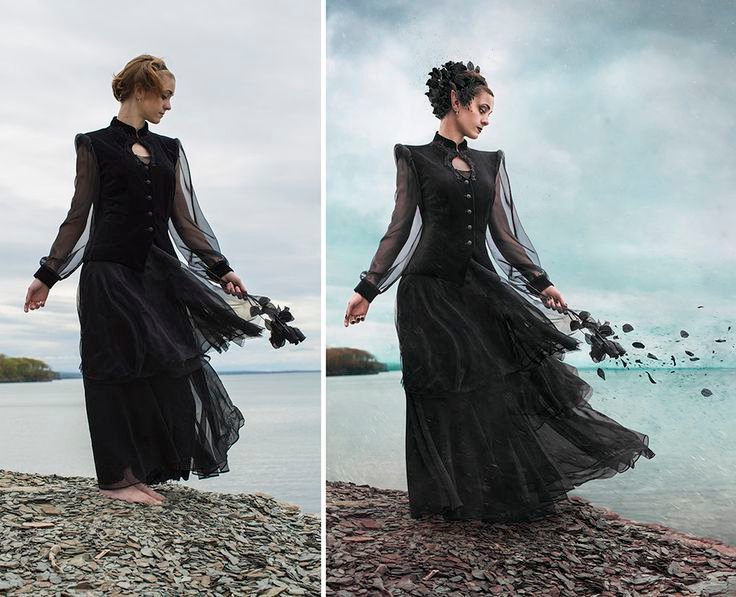
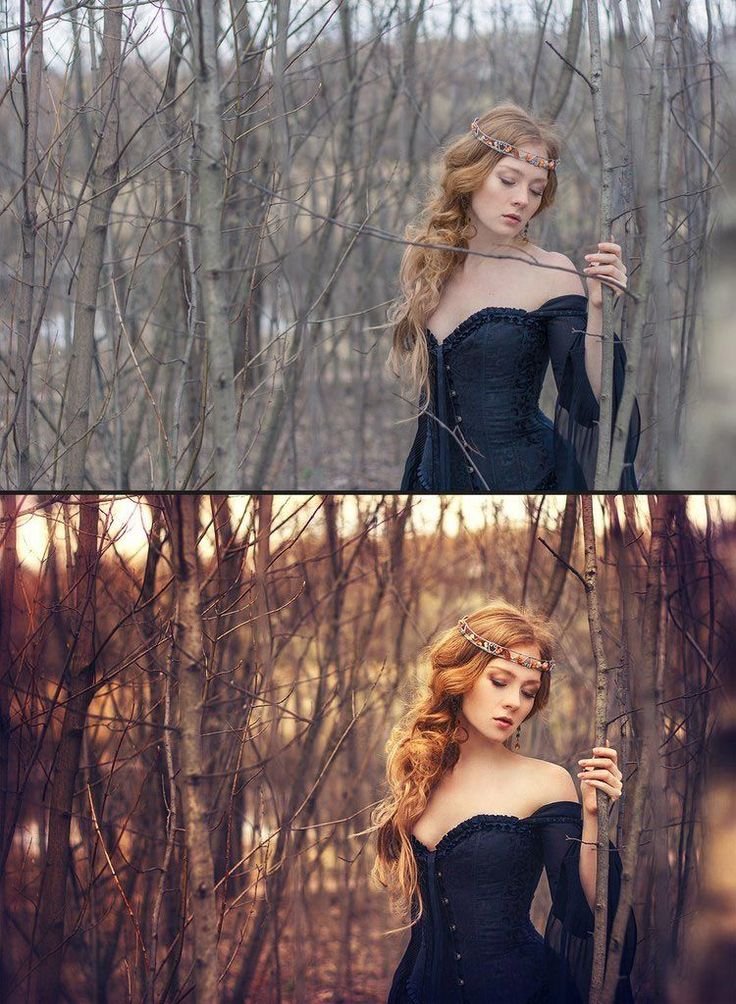
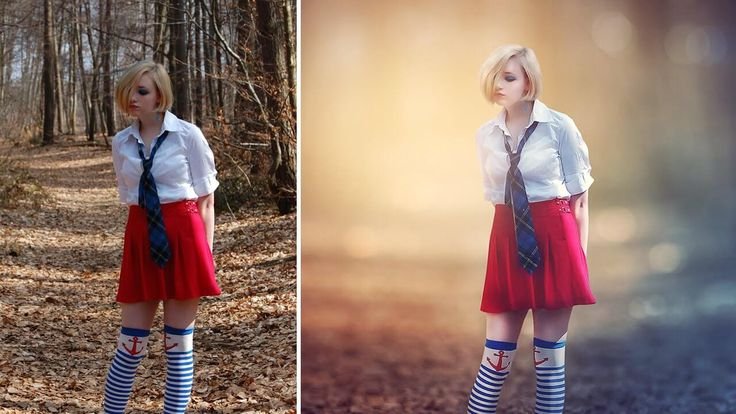
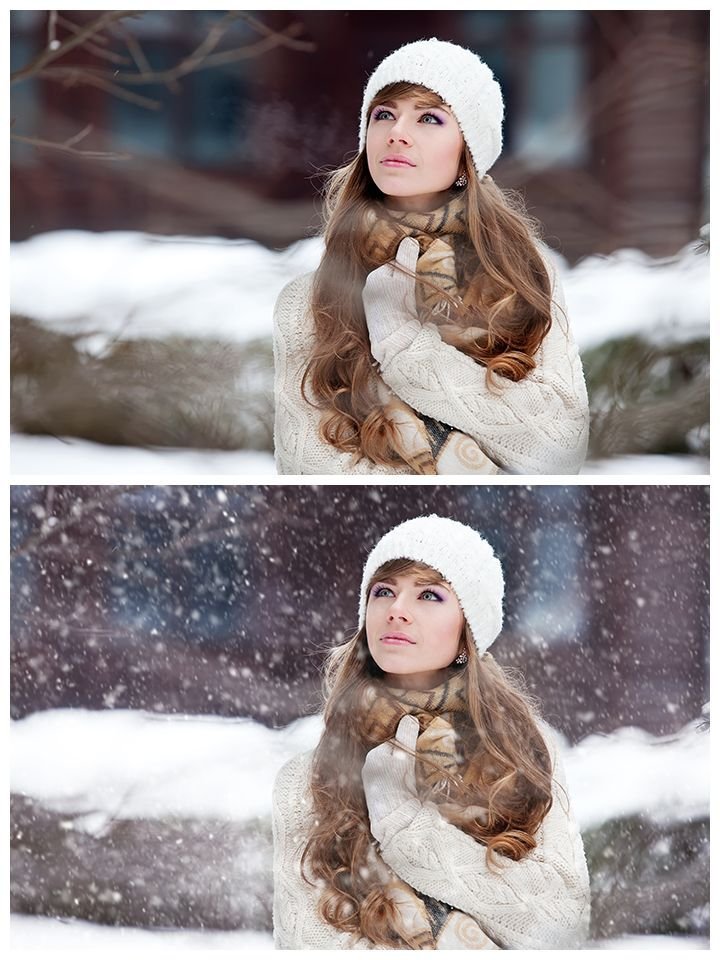
The soft snowfall winter portrait AI prompt is designed to transform a simple winter photograph into a cinematic, emotionally rich image using ChatGPT or Gemini AI. This editing style focuses on natural snowfall, soft cold lighting, realistic skin tones, and calm winter atmosphere while keeping the final result AdSense-safe and professional.
Winter portraits often feel flat or dull due to overcast light and muted colors. With the right AI prompt, you can enhance depth, mood, and storytelling without damaging facial realism or introducing artificial effects.
This guide explains exactly how to achieve a soft cinematic winter look using AI-based photo editing workflows suitable for both beginners and advanced creators.
Soft Snowfall Winter Portrait AI Prompt – What This Edit Does
This soft snowfall winter portrait AI prompt adds gentle falling snow, cool-toned highlights, and soft contrast while preserving the subject’s natural expression and identity. The goal is to create a peaceful, cinematic winter mood that feels authentic rather than over-processed.
Key visual improvements include:
- Natural snowfall depth and motion
- Soft cold color grading
- Balanced exposure for winter lighting
- Clean skin tones without plastic texture
- Subtle background separation
This prompt works equally well with ChatGPT image workflows and Gemini AI image models.
STEP 1: Base Fix – Clean & Natural Foundation
Step 1 Prompt (Base Fix)
Professional portrait enhancement with subject-first priority. Correct exposure and white balance for winter lighting while preserving natural skin tones and facial identity. Improve clarity, texture, and sharpness without altering facial features or body proportions. Reduce noise caused by low winter light and maintain realistic depth. Keep colors neutral and natural. No artistic effects applied at this stage.Negative Prompt (Step 1)
face distortion, identity change, artificial skin, plastic texture, heavy smoothing, blur, low resolution, harsh contrast, oversharpening, color cast, unrealistic lightingSTEP 2: Cinematic Winter Snowfall Look
Step 2 Prompt (Final Look)
Apply a soft snowfall winter portrait cinematic mood. Add gentle, realistic falling snow with natural depth and variation. Use cool winter color grading with soft blue and neutral gray tones while maintaining accurate skin color. Create soft diffused light as if coming from an overcast winter sky. Enhance background separation with subtle depth and atmosphere. Maintain clean highlights, gentle contrast, and emotional calm winter storytelling. Keep the subject sharp and naturally lit.Negative Prompt (Step 2)
heavy snow overlay, fake snow patterns, glowing effects, fantasy elements, oversaturation, extreme cold color cast, HDR look, surreal lighting, background distortionBest Use Cases for This Prompt
This soft snowfall winter portrait AI prompt is ideal for:
- Outdoor winter portraits
- Cozy seasonal photography
- Lifestyle winter photos
- Editorial and storytelling portraits
- Social media and blog visuals
- AI-enhanced photo demonstrations
The prompt is safe for personal projects, educational content, and monetized websites.
ChatGPT & Gemini AI Compatibility
This prompt is carefully written to be compatible with:
- ChatGPT image-based workflows
- Gemini AI image generation and editing tools
You can paste the prompt directly into your AI workflow and adjust only the image input if needed. No advanced technical setup is required.
Common Mistakes to Avoid
When using winter AI portrait prompts, avoid:
- Overusing snow effects
- Making skin tones too blue or gray
- Adding fantasy lighting or glowing particles
- Excessive blur or fake bokeh
- Changing facial identity
This guide is structured to help you avoid those mistakes automatically.
Image Usage & Disclaimer
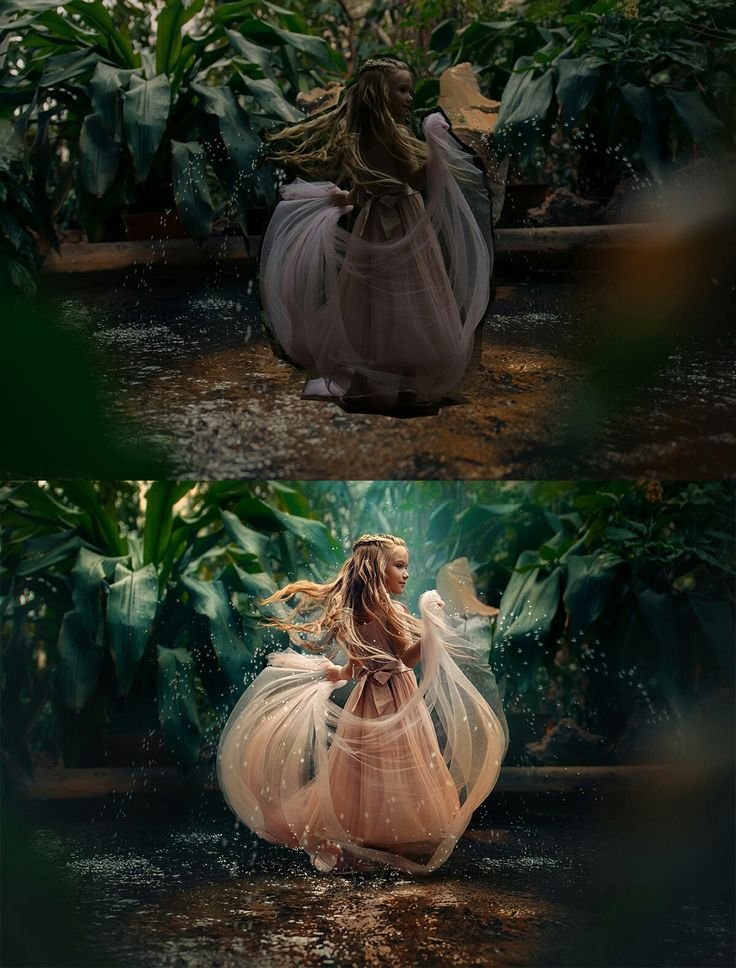
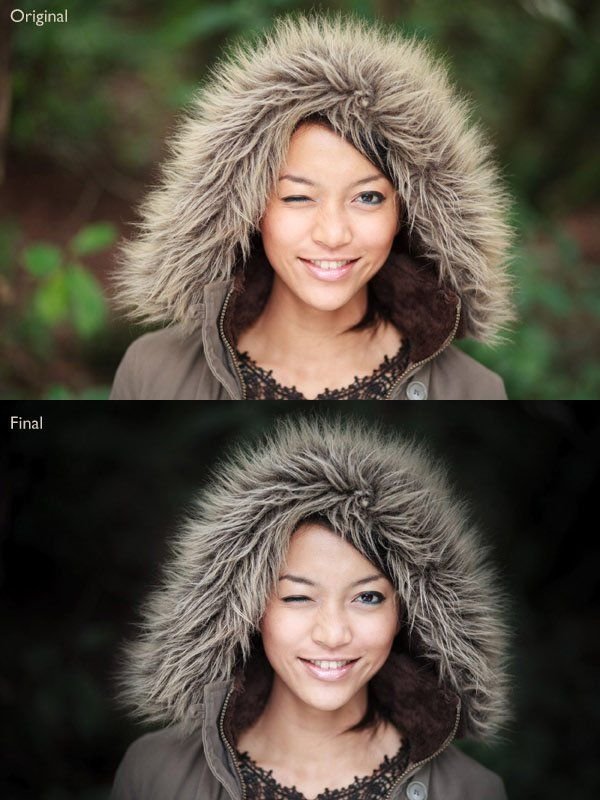
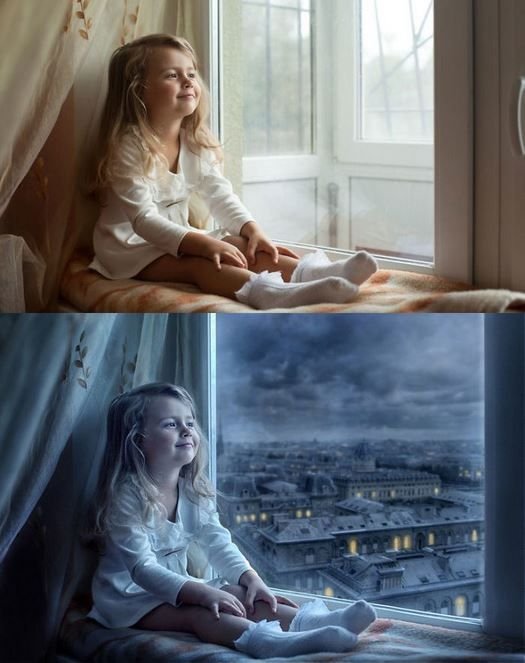
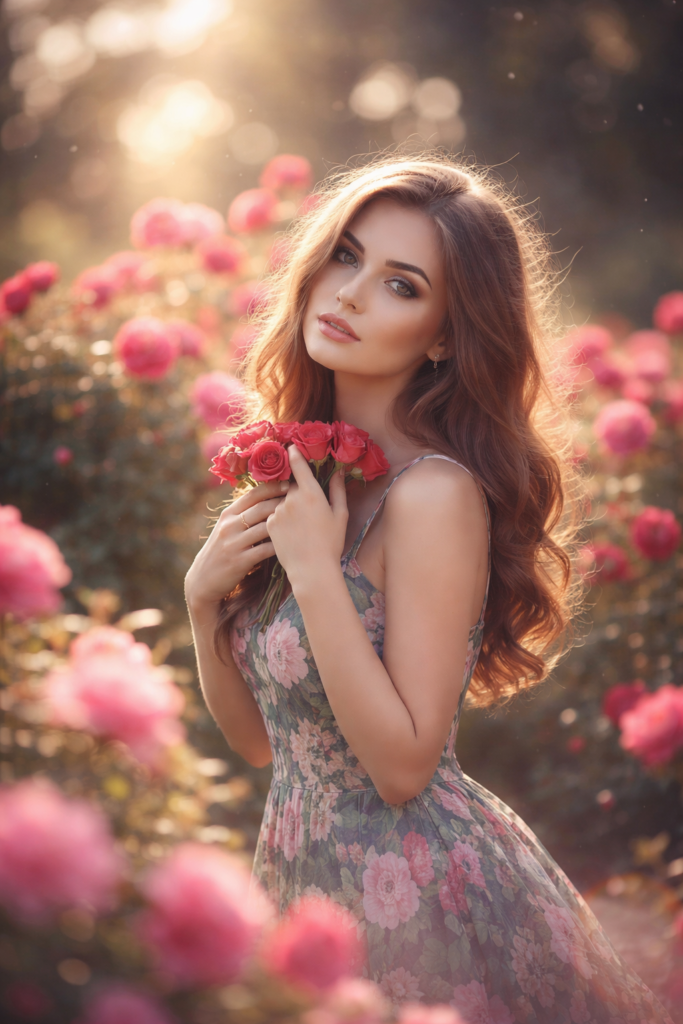
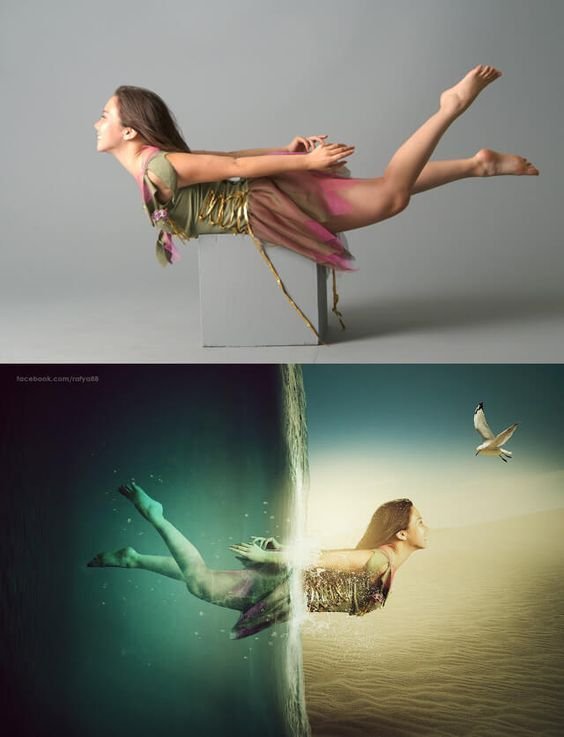
All images used with this soft snowfall winter portrait AI prompt are for educational and demonstration purposes only. Example images may be AI-generated, edited samples, or royalty-free references. Always use images you own or have permission to edit and publish.
Final Thoughts
The soft snowfall winter portrait AI prompt offers a clean, cinematic, and realistic way to enhance winter photos using ChatGPT or Gemini AI. By focusing on natural light, subtle snowfall, and authentic emotion, this editing style delivers professional results without risking AdSense compliance.
If you want winter portraits that feel calm, cinematic, and visually rich without looking artificial, this AI prompt is a reliable and repeatable solution.